
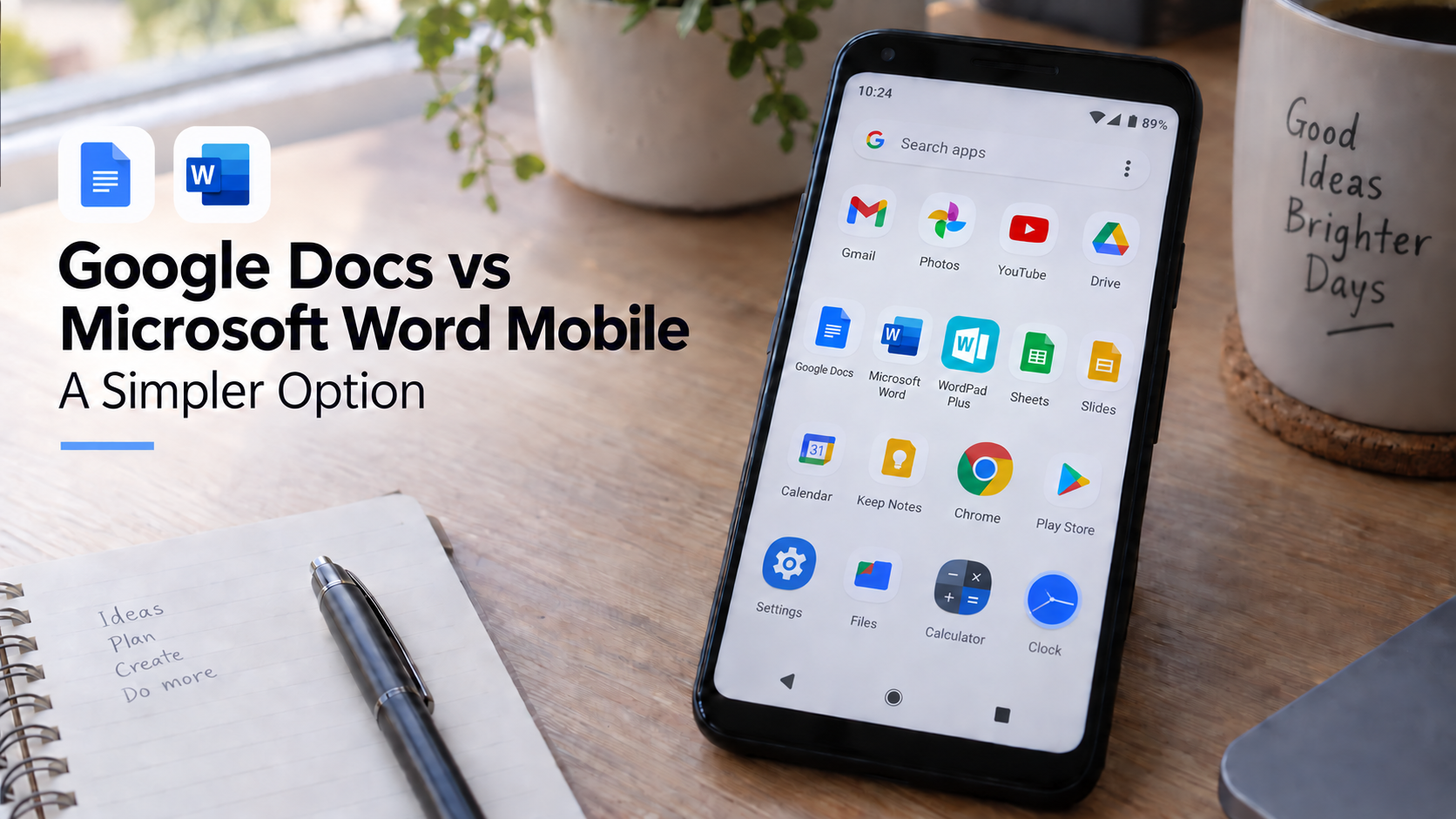
Google Docs and Microsoft Word are the names most people think of first when they need to write a document on their phone. That makes sense. Google Docs is excellent for cloud collaboration, and Microsoft Word is still the familiar standard for many school and office documents.
But the best mobile writing app is not always the biggest one. If your real goal is to open your phone, write privately, format cleanly, save locally, and export a document without managing a cloud workspace, WordPad Plus may be the better fit.
This comparison is not about pretending Google Docs or Microsoft Word are bad apps. They are powerful. The question is simpler: which app feels best for everyday Android document work?
The short answer
Use Google Docs if you need live collaboration, comments, shared Drive folders, and a document that multiple people can edit together online.
Use Microsoft Word mobile if you need strong DOCX familiarity, Microsoft 365 integration, OneDrive workflows, and compatibility with Word-based school or office environments.
Use WordPad Plus if you want a lighter Android word processor for offline writing, rich text formatting, local document storage, PDF export, OCR scanning, and document editing without a mandatory account-first workflow.
Google Docs on mobile: best for collaboration
Google Docs is strongest when the document lives in a shared workspace. The Android app lets users create, edit, and collaborate on documents from a phone or tablet. Google also supports offline access for files that are made available offline, which is useful when you know in advance which documents you will need.
The tradeoff is that Google Docs works best when you are already inside the Google ecosystem: Google account, Google Drive, shared files, syncing, permissions, and cloud-first storage. For teams, that is a strength. For private solo writing, it can feel like more machinery than the document needs.
If you are writing a quick letter, a private draft, a personal note, or a document you only need to save and export, collaboration tools may not be the main thing you care about.
Microsoft Word mobile: best for Word compatibility
Microsoft Word mobile is a strong choice when DOCX compatibility is the priority. It is familiar, widely used, and connected to OneDrive and Microsoft 365. Microsoft’s own support pages note that Word mobile supports cloud saving and file sharing features, while extra mobile features are available with a qualifying Microsoft 365 subscription.
That makes Word mobile a practical option for people who already use Microsoft 365 at work or school. But for Android users who only need everyday writing, basic formatting, and PDF export, Word can feel heavier than necessary.
Sometimes you do not want an entire office suite. You just want to write the document.
Where WordPad Plus feels simpler
WordPad Plus is designed for Android users who want document editing without turning every draft into a cloud project. It focuses on the basics that everyday writers actually use: offline writing, rich text formatting, folders, DOCX import, PDF export, OCR scanning, dark mode, read-aloud, and PIN lock.
The difference is felt most clearly in small moments. You want to write a leave letter. Format a note. Draft a resume section. Save a private idea. Scan text from paper. Export a clean PDF. Keep files on your device. These are not always collaboration problems. They are personal productivity problems.
“The best mobile document app is often the one that removes the most friction between the thought and the finished file.”
Feature comparison
| Need | Google Docs | Microsoft Word mobile | WordPad Plus |
|---|---|---|---|
| Best use case | Cloud collaboration | DOCX and Microsoft 365 workflows | Offline Android writing and document editing |
| Account-first experience | Google account centered | Microsoft account / Microsoft 365 centered | No mandatory account-first workflow |
| Offline focus | Available for selected offline files | Works best with Microsoft cloud storage | Offline-first local writing |
| Everyday formatting | Strong for shared docs | Strong Word-style tools | Rich text tools for practical mobile documents |
| Privacy mindset | Cloud workspace | Cloud and subscription ecosystem | Local, offline, zero data collection positioning |
Why WordPad Plus is better for many Android users
For many people, the daily document problem is not advanced collaboration. It is getting something written cleanly on a phone without distractions.
WordPad Plus is a better option when:
- You want to write without signing in first.
- You prefer documents saved locally on your Android device.
- You need quick formatting, not a full office suite.
- You want to export a finished document as PDF.
- You work with letters, notes, assignments, resumes, drafts, or small business documents.
- You care about privacy and do not want every draft to begin in the cloud.
When Google Docs or Word still make sense
There are times when Google Docs or Microsoft Word are the right tools. If a teacher, employer, client, or team already expects a Google Docs link, use Google Docs. If your workplace runs on Microsoft 365 and needs DOCX review workflows, Word mobile is the natural choice.
The point is not that WordPad Plus replaces every cloud office app. It is that many Android documents do not need a cloud office app in the first place.
Visual summary
A simpler Android word processor for everyday documents
If you want to write, format, save, scan, and export documents from Android without starting in a cloud workspace, WordPad Plus gives you an offline-first document editor built for practical mobile writing.
FAQ
Is WordPad Plus better than Google Docs?
WordPad Plus is better if you want offline Android writing, local files, simple formatting, PDF export, and no mandatory account-first workflow. Google Docs is better for real-time collaboration and shared cloud documents.
Is WordPad Plus better than Microsoft Word mobile?
WordPad Plus can be better for everyday Android documents because it is lighter and more offline-focused. Microsoft Word mobile is better when you need Microsoft 365 features or deep DOCX workflow compatibility.
Can WordPad Plus export documents as PDF?
Yes. WordPad Plus supports PDF export, which is useful for letters, resumes, assignments, signed documents, and files that need stable formatting when shared.
Who should use WordPad Plus?
WordPad Plus is a good fit for Android users who want private writing, rich text formatting, local folders, DOCX import, OCR scanning and PDF export without relying on a cloud-first office suite.
The bottom line
Google Docs and Microsoft Word mobile are excellent when you need their ecosystems. But not every document needs an ecosystem.
If your priority is simple, private, offline-friendly document writing on Android, WordPad Plus is often the cleaner choice. It keeps the focus where it belongs: on the document you are trying to finish.
