
 Wordpad Plus
 How to Read Documents Aloud on Android (Offline)
Learn how to read documents aloud on Android, including PDFs and DOCX files, with offline text-to-speech, highlighting, and playback controls.
23 Oct 2026 · 3 min read
Android · Free · No account
Wordpad Plus is a full word processor for your phone. Rich formatting, an OCR scanner, PDF export and read-aloud — all running on your device. Nothing is uploaded, and there is nothing to sign up for.

A look inside
Real screens from the app — no mockups.
Features
One app instead of five, and none of it depends on a connection.
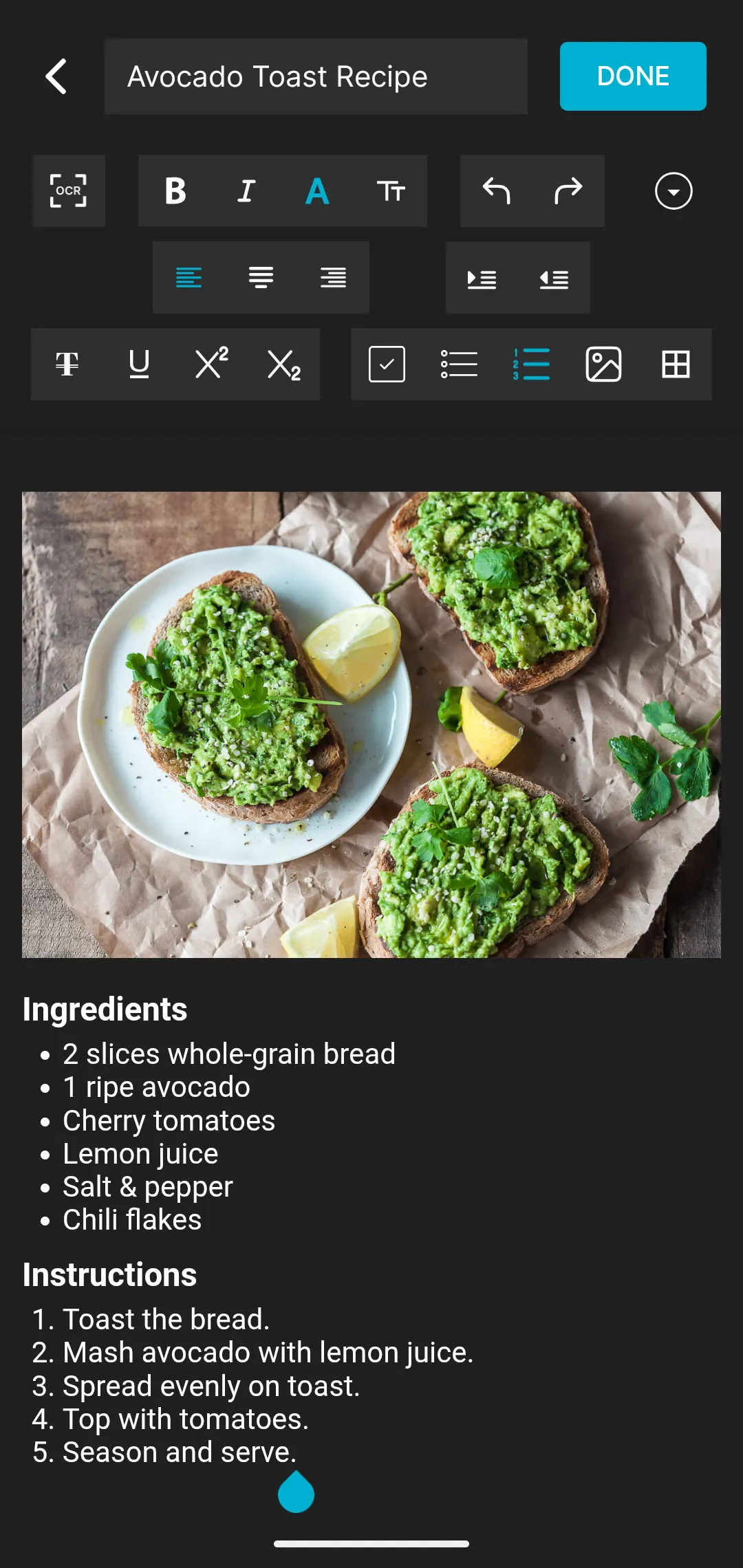
Bold, italic, underline, colour, font size, alignment, indents, bullet and numbered lists, superscript and subscript.
Photograph a page, a receipt or a whiteboard and turn it into text you can edit and search.
Export any document to PDF in one tap, and bring PDF or DOCX files in to work on them.
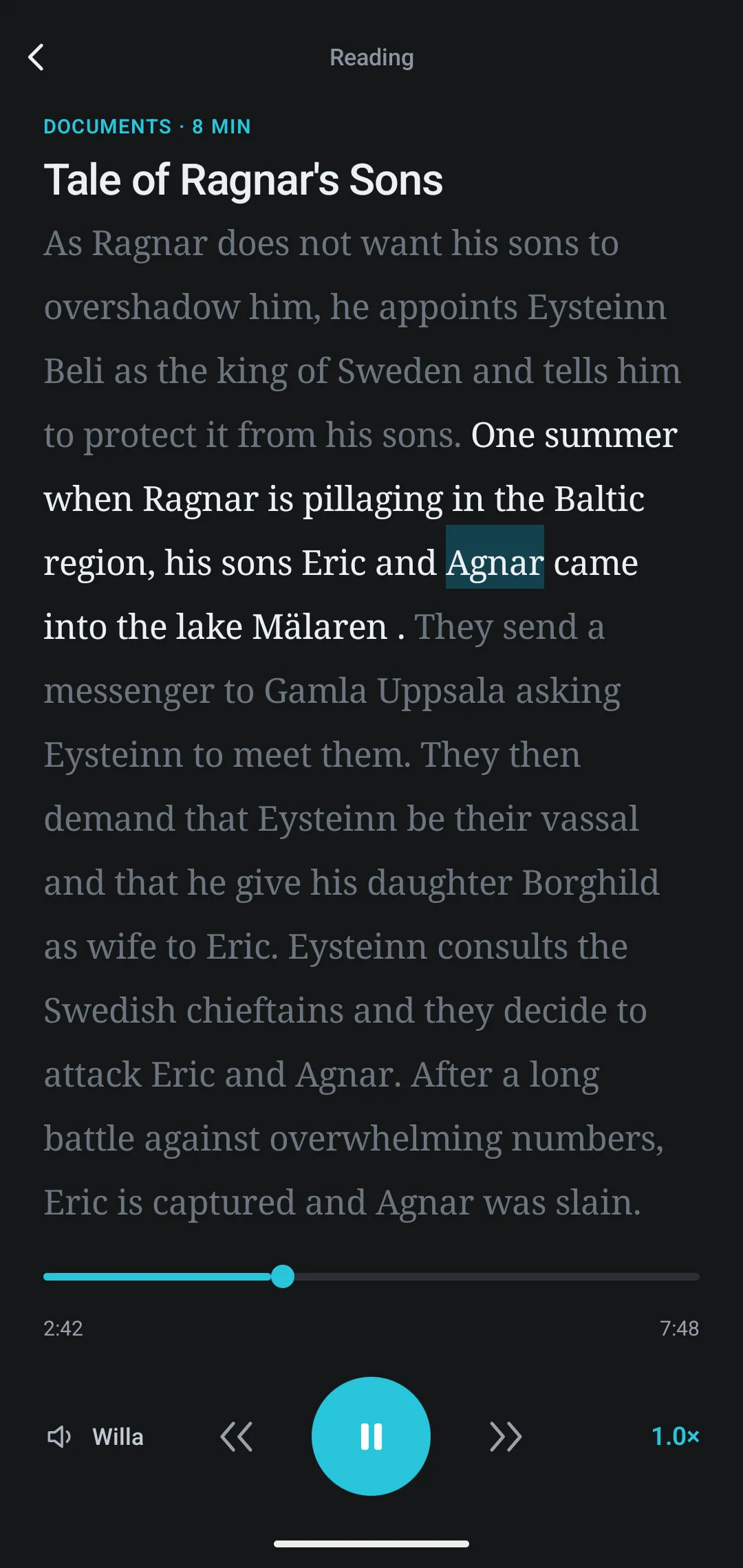
Have a document read back to you at your own speed, with the current sentence highlighted.
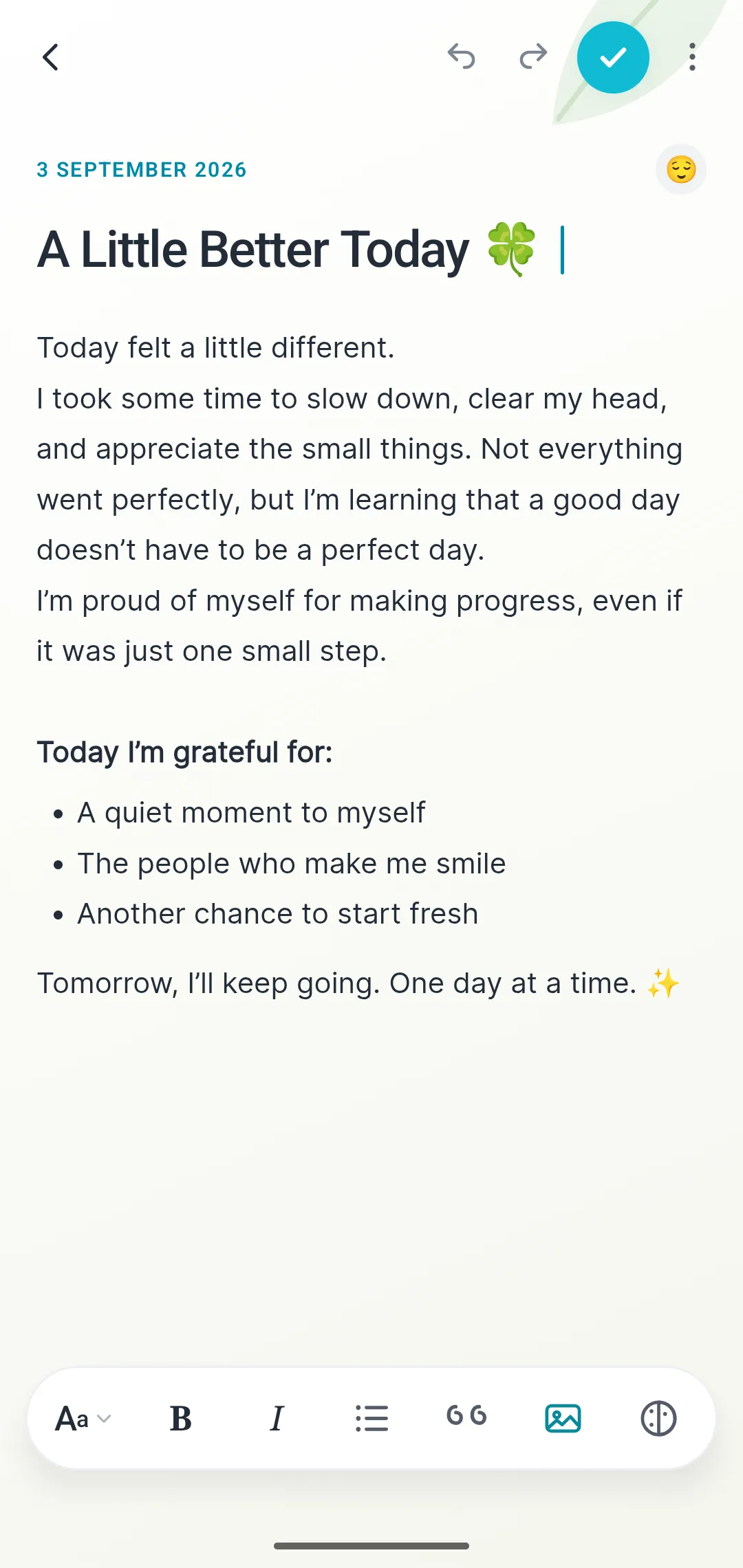
Dated entries with a mood marker and a calmer writing surface, kept apart from your documents.
Checklists that track what is done and what is left, with completed items tucked out of the way.
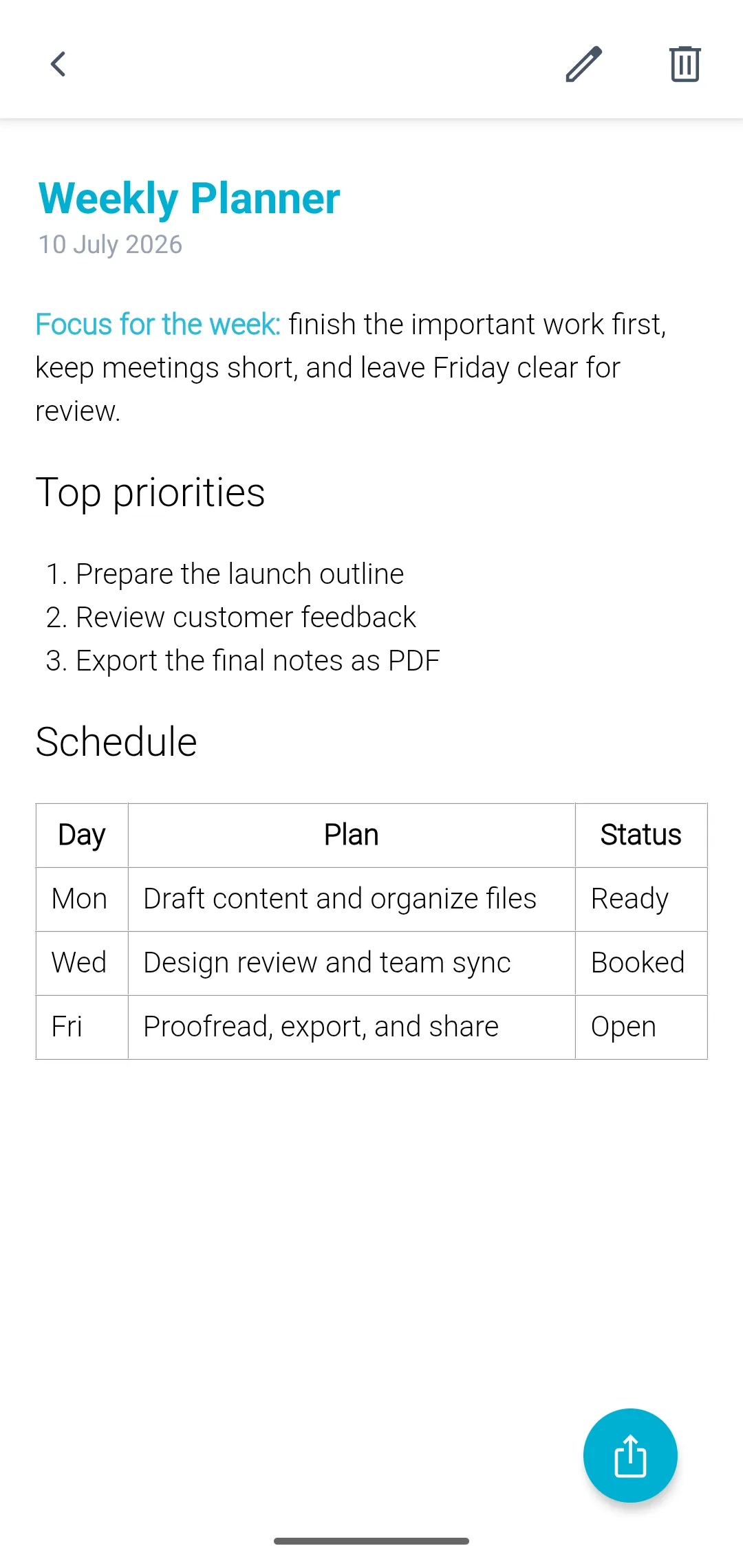
Start from a planner, report or meeting-notes template, and build real tables inside a document.
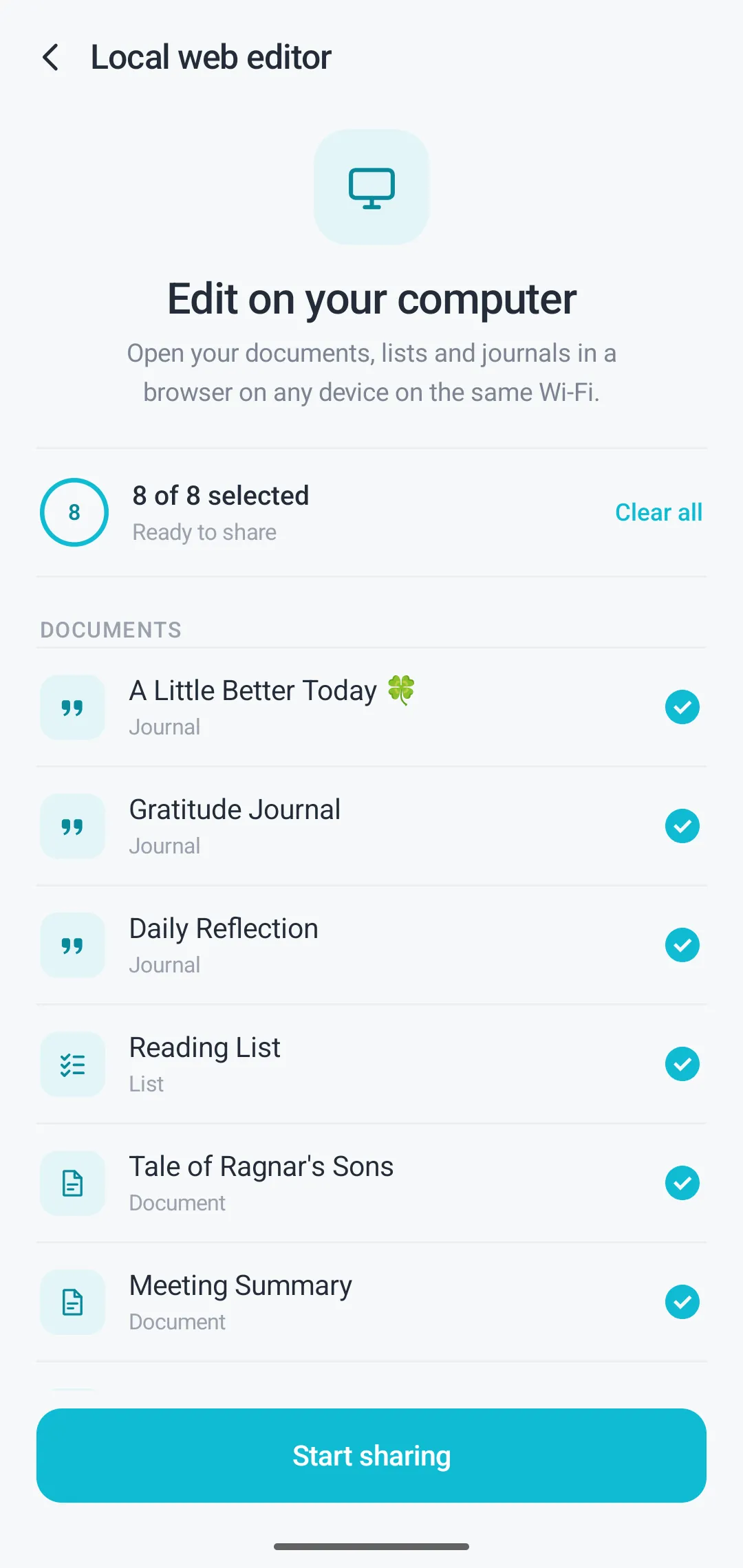
Open your documents in a browser on the same Wi-Fi and type on a full keyboard. Nothing leaves your network.
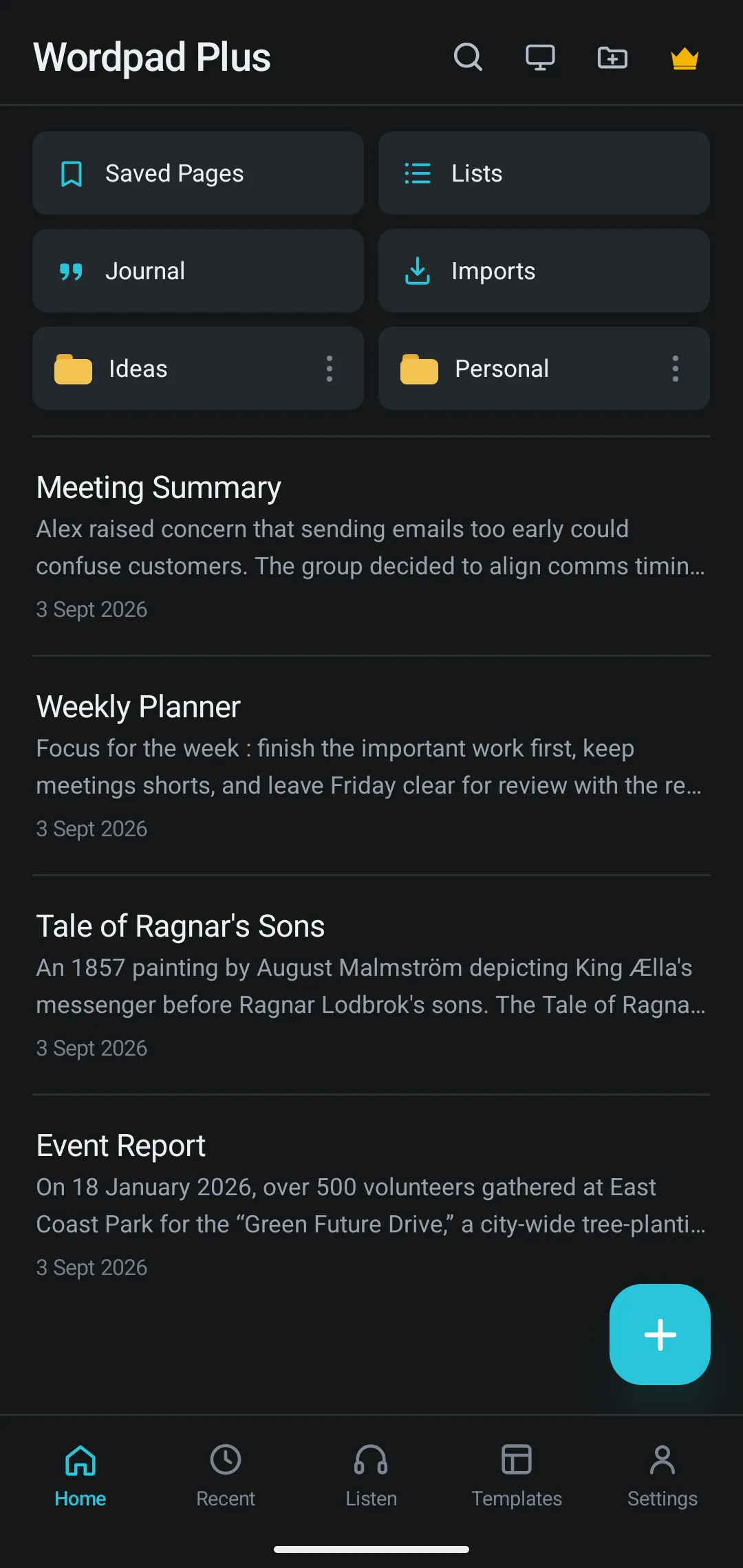
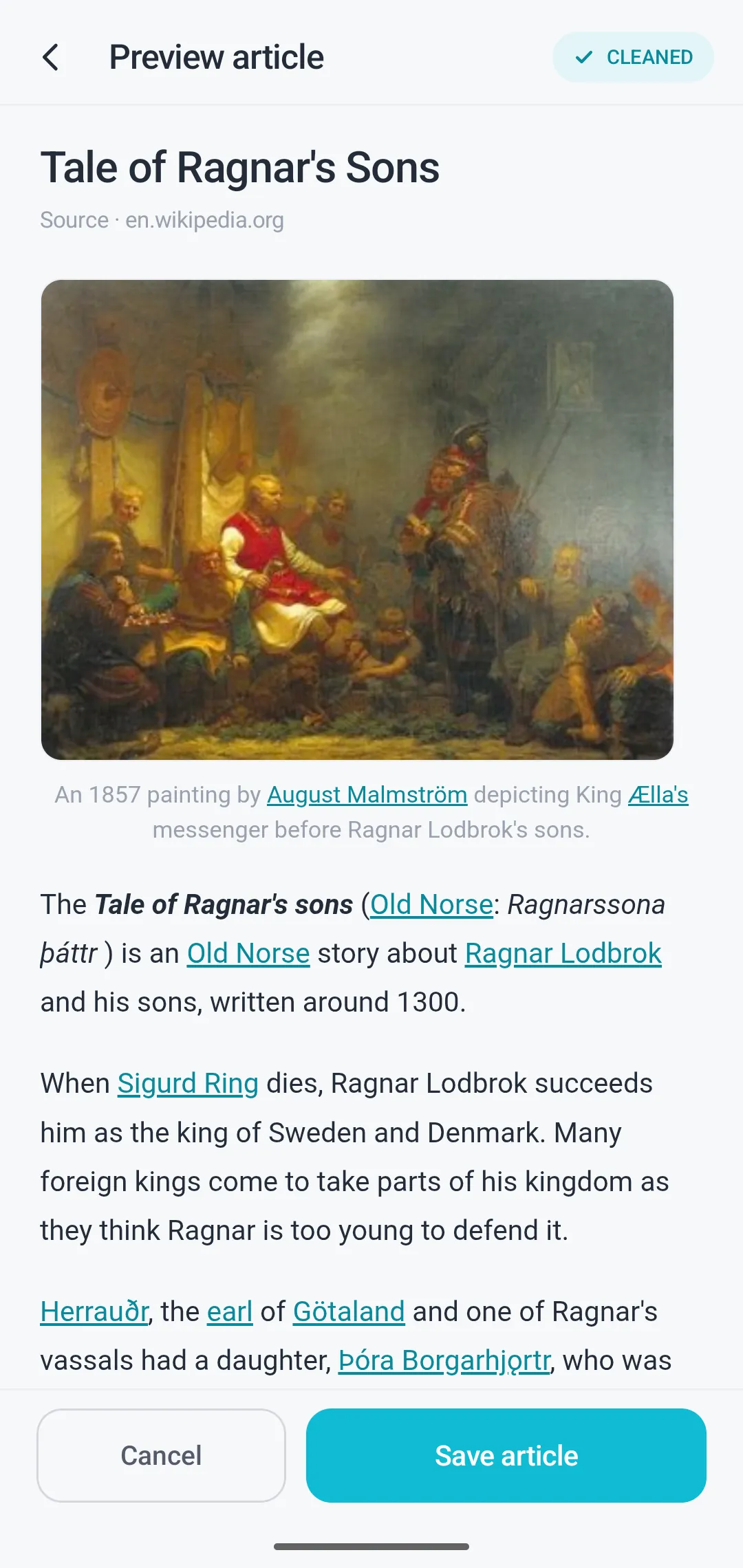
Share an article into Wordpad Plus and keep a clean, readable copy that works offline.
Writing
Most phone note apps give you plain text and a bullet point. Wordpad Plus gives you the toolbar you would expect on a laptop — and the document still looks right when you send it as a PDF.
Listening
Reading your own writing aloud is the fastest way to catch a clumsy sentence. Wordpad Plus reads any document back to you, highlighting the sentence it is on so you can follow along and fix things as you go.
Organising
Folders you name yourself, full-text search across everything, and a recycle bin for the file you deleted at midnight. Backup and restore are built in, so moving to a new phone does not mean losing your writing.
On a bigger screen
Long documents deserve a real keyboard. Wordpad Plus can serve your documents to a browser on the same Wi-Fi, so you edit on your laptop while the files stay on your phone. No sync service in the middle, and nothing to sign in to.
Privacy
Not a policy promise buried in a settings screen — the app simply has nowhere to send it. There is no server, no sync account and no analytics, so there is nothing to leak, sell or subpoena.
Read the privacy policyInstall it and start typing. No sign-in wall, no email capture, no profile to create.
The Google Play data-safety section lists no data collected and none shared with third parties.
Editing, OCR, PDF export and read-aloud all run on the device, so a dead signal changes nothing.
Put a PIN on individual documents so a borrowed phone does not become an open notebook.
Who it is for
Photograph a textbook page into editable notes, format an assignment properly, and hand it in as a PDF from your phone.
A quiet, dated page for daily entries, and a read-aloud pass to hear how a draft actually sounds.
Site reports, checklists and signed documents on a basement or roadside connection — which is to say, none at all.
Notes into a template, actions into a checklist, the whole thing exported and sent before you leave the room.
Why Wordpad Plus
Cloud editors are excellent when you have signal, a browser and an account. This is for the rest of the time.
| Capability | Wordpad Plus | Typical cloud editor |
|---|---|---|
| Works with no connection | Yes. Every feature | Partly. Partial, after setup |
| Use it without an account | Yes. No sign-in at all | Partly. Usually required |
| Documents stay on your device | Yes. Always | Partly. Held on a provider’s servers |
| OCR scanning built in | Yes. On device | Partly. Often a separate app or an upload |
| Read aloud built in | Yes. Any document | Partly. Varies by app |
| Free to download | Yes. Yes | Partly. Free tier, paid storage |
“Typical cloud editor” describes the common pattern of phone document apps that sync to an online account. Individual apps vary.
Free tools
No installation, no upload, no sign-up. Useful whether or not you ever install the app.
Count words, characters, sentences and paragraphs as you type, with a live reading-time estimate.
Open toolA distraction-free notepad in your browser. Keep up to eight notes, saved as you type, waiting where you left them.
Open toolCount characters with and without spaces, and check text against limits for posts, bios and meta descriptions.
Open toolHave any text read aloud in your browser, at a speed and voice you choose. Good for hearing a draft before you send it.
Open toolSwitch text between sentence case, title case, UPPERCASE, lowercase, camelCase, snake_case and kebab-case.
Open toolPut two versions side by side and see exactly which lines were added, removed or left alone.
Open toolFrom the blog
Learn how to read documents aloud on Android, including PDFs and DOCX files, with offline text-to-speech, highlighting, and playback controls.
23 Oct 2026 · 3 min read
Need a private Google Docs alternative? See when an offline Android word processor like WordPad Plus is better for local, account-free writing.
8 Oct 2026 · 4 min read
Learn how to format documents on Android with headings, spacing, lists, and rich text tools, plus when WordPad Plus makes editing simpler.
4 Oct 2026 · 5 min read
Download Wordpad Plus, open it, and start typing. There is no account step, and nothing you write is sent anywhere.
Free on Google Play. No account to create — install it and start writing.