
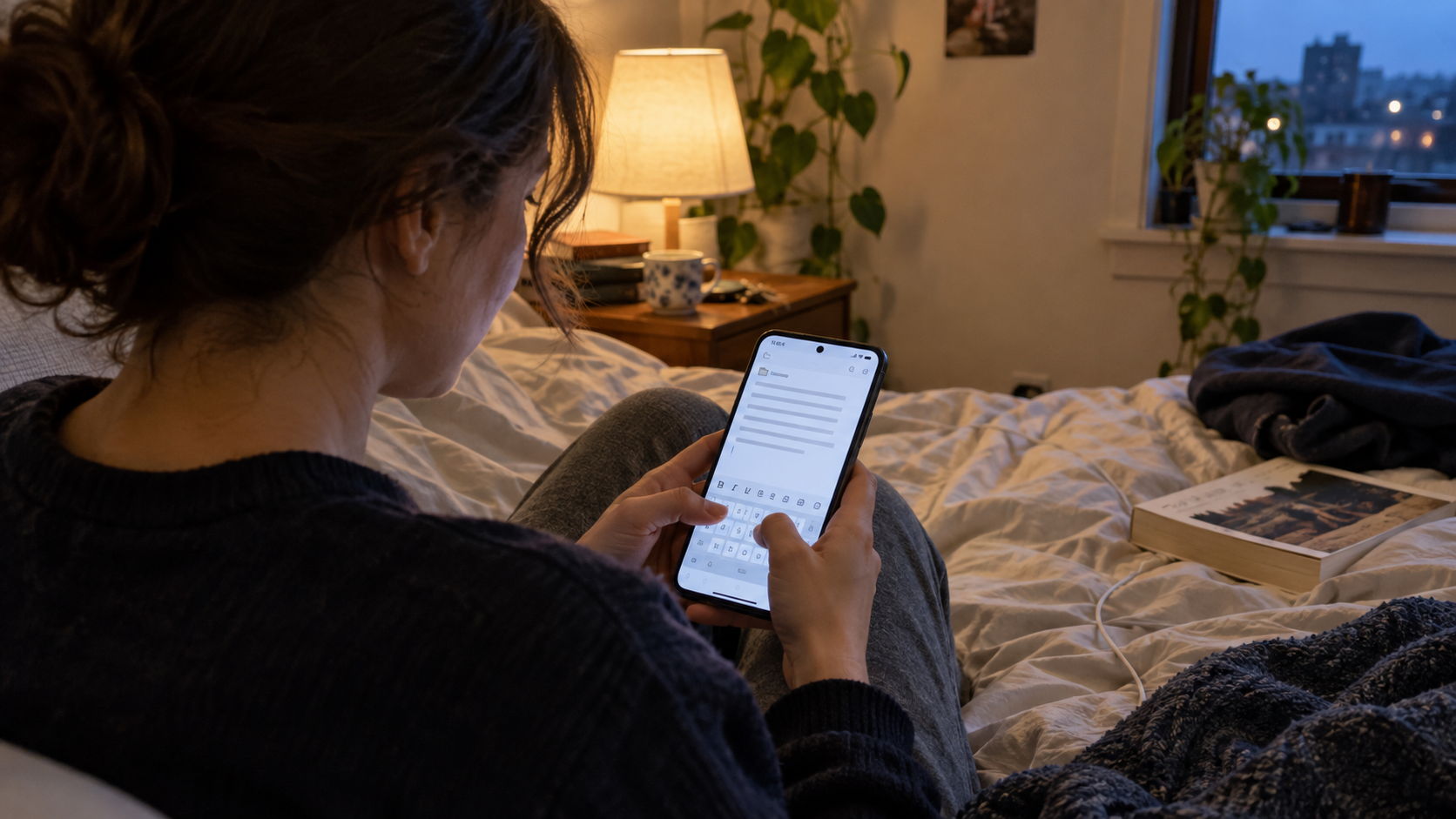
Google Docs is useful for a reason. It is excellent when you need shared editing, comments, version history, Drive access, and a document that follows you across devices.
But not every document needs to become part of a cloud workspace. Some drafts are personal. Some notes are half-formed. Some letters, resumes, client notes, assignments, and plans simply need a quiet place to exist before they are ready to share.
That is where people start looking for a Google Docs alternative for privacy. Not because Google Docs is useless, but because private writing often feels better when it starts locally, offline, and without an account-first workflow.
What privacy means in a document app
Privacy is not one single feature. It is a set of decisions about accounts, storage, syncing, sharing, backups, permissions, and who can access the file.
Google’s own documentation says Docs files are private by default unless you choose to share them, and Google also explains broader data handling in its Privacy Policy and Docs privacy basics. That is useful context. Google Docs has strong controls for many users.
The question is more practical: do you want every everyday draft to begin inside a cloud account at all?
When Google Docs is still the right choice
Google Docs is hard to beat when collaboration matters. If a teacher, client, editor, coworker, or team expects a shared link, comments, suggestions, or real-time editing, Docs is usually the easier path.
It also supports offline work on Android when files are made available offline, according to Google’s Docs offline help page. That helps when you know which files you need before losing internet access.
For shared work, Google Docs makes sense. For private solo writing, it can sometimes feel like more infrastructure than the document needs.
When a private Google Docs alternative makes sense
A privacy-focused alternative is useful when your main goal is to write, organize, format, and export documents without turning each file into a cloud object first.
That matters in ordinary situations:
- You are drafting a personal letter before deciding whether to send it.
- You are writing resume notes that include private job history.
- You are keeping client notes, invoices, or small business records on your phone.
- You want to write while traveling without thinking about sync.
- You prefer local folders over a shared-drive workflow.
- You want fewer accounts connected to your writing process.
“The most private draft is often the one that does not need to leave your device until you choose to share it.”
What to look for in a privacy-friendly writing app
If you are comparing Google Docs alternatives, do not only look for a blank page and a keyboard. Look for the workflow around the document.
| Privacy need | Why it matters |
|---|---|
| Offline writing | You can draft without relying on connection, sync, or cloud availability. |
| No mandatory account | You can start writing without attaching the file to a larger identity system. |
| Local folders | You keep everyday documents organized on your device. |
| PDF export | You can share a finished version without exposing an editable cloud file. |
| PIN lock or app-level protection | Private drafts get another layer of protection on a shared or borrowed phone. |
Where WordPad Plus fits
WordPad Plus is built for Android users who want a more local writing experience. It does not require a Google account, mandatory cloud sync, or sign-in-first workflow for everyday document work.
It supports rich text formatting, local folders, DOCX import, PDF export, OCR scanning, read-aloud, dark mode, PIN lock, recycle bin, and offline writing. The privacy promise is simple: 100% offline writing and document editing with zero data collection.
That makes it a good fit for private drafts, personal notes, letters, resumes, assignments, work summaries, and documents you want to finish locally before sharing.
Google Docs vs WordPad Plus for privacy-minded writing
| Use case | Better fit |
|---|---|
| Shared editing with comments | Google Docs |
| Private first draft | WordPad Plus |
| No account-first writing | WordPad Plus |
| Team documents in Drive | Google Docs |
| Local writing plus PDF export | WordPad Plus |
A private writing flow for Android
If you want to write, format, save, and export documents without starting in a cloud account, WordPad Plus gives you an offline Android word processor built for local, account-free document work.
FAQ
What is the best Google Docs alternative for privacy on Android?
The best choice depends on your workflow. If you want local writing, no mandatory account, rich text formatting, PDF export, and offline document editing, WordPad Plus is a strong privacy-friendly Google Docs alternative for Android.
Is Google Docs private?
Google Docs provides privacy and sharing controls, and Google says files are private by default unless you share them. Some users still prefer an offline editor because they want drafts to stay local until they intentionally export or share them.
Why use an offline word processor instead of Google Docs?
Use an offline word processor when you do not need collaboration and want fewer moving parts: no sign-in-first workflow, no cloud workspace, local folders, and the option to export only the finished document.
Can WordPad Plus export documents as PDF?
Yes. WordPad Plus supports PDF export, which is useful when you want to share a finished document without sending an editable cloud link.
The bottom line
Google Docs is excellent for shared cloud documents. But if your main concern is private writing on Android, the best alternative may be a simpler offline word processor that keeps drafts local until you decide otherwise.
For everyday documents that do not need collaboration, WordPad Plus gives you a quieter path: write privately, format clearly, save locally, and export only when the file is ready.
