
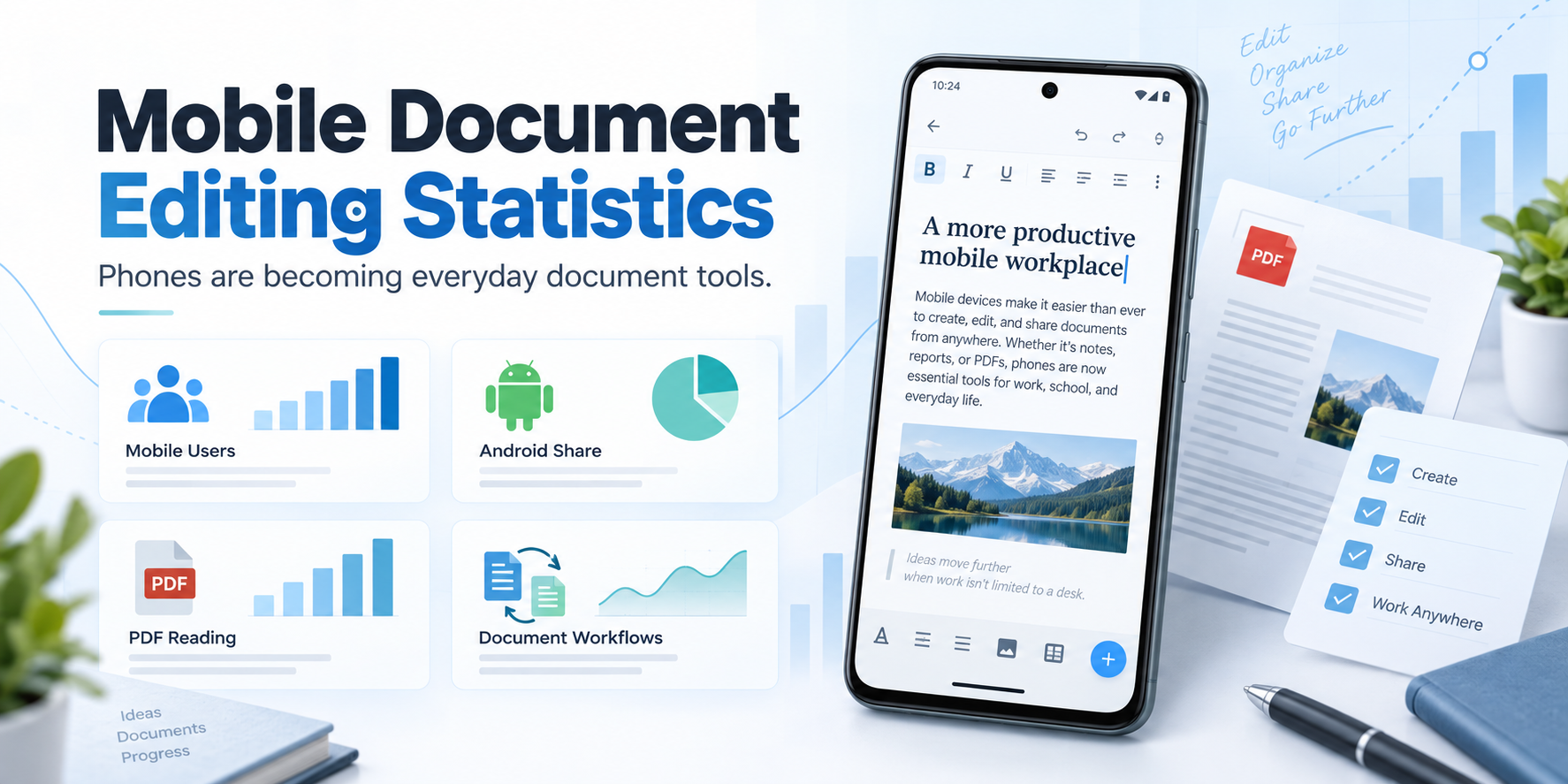
Mobile document editing is no longer a side use case. Phones have become the place where people read PDFs, draft messages, format letters, review files, scan paper, and turn unfinished notes into shareable documents.
This page collects current mobile document editing statistics from public sources including DataReportal, GSMA, StatCounter, and Adobe. The goal is simple: give writers, marketers, app builders, and productivity researchers a reliable reference for understanding why document work is moving onto mobile screens.
Key Statistics
- DataReportal reports 5.83 billion unique mobile phone users worldwide as of April 2026.
- DataReportal says 96.2% of the world’s internet users go online with a mobile phone at least some of the time.
- DataReportal reports 7.648 billion smartphone connections, equal to roughly 89% of mobile phones in use globally.
- StatCounter measured mobile at 53.41% of worldwide desktop-versus-mobile web share in July 2026.
- StatCounter reports Android at 67.61% of worldwide mobile operating system share in August 2026.
- GSMA says 4.7 billion people, or 58% of the world’s population, used mobile internet by the end of 2024.
- GSMA projects smartphone adoption to rise from 81% of mobile connections in 2024 to 94% by 2030.
- Adobe says its Liquid Mode mobile reading experience had been used to read more than 1 billion files on mobile devices.
Source Table
| Statistic | Source | Year / date | Why it matters |
|---|---|---|---|
| 5.83 billion unique mobile phone users worldwide | DataReportal | April 2026 | Shows the potential reach for mobile writing and document tools. |
| 96.2% of internet users use a mobile phone to go online at least some of the time | DataReportal | 2026 | Explains why mobile-first document access is now mainstream. |
| 7.648 billion smartphone connections, roughly 89% of mobile phones in use | DataReportal / Ericsson | 2026 | Indicates that rich document apps can assume smartphone capabilities for most mobile users. |
| Mobile accounts for 53.41% of worldwide desktop-versus-mobile web share | StatCounter | July 2026 | Shows that mobile browsing is not secondary to desktop browsing globally. |
| Android holds 67.61% of worldwide mobile OS share | StatCounter | August 2026 | Makes Android central to the global mobile document editing market. |
| 4.7 billion people, or 58% of the world’s population, used mobile internet | GSMA | End of 2024 | Frames mobile productivity as a global access story, not just a convenience story. |
| Smartphone adoption is projected to rise from 81% in 2024 to 94% in 2030 | GSMA | 2024 / 2030 forecast | Suggests mobile document workflows will keep expanding as smartphone adoption rises. |
| Adobe Liquid Mode has been used to read more than 1 billion files on mobile devices | Adobe | 2024 | Shows significant real-world demand for better mobile document reading experiences. |
What the numbers say about mobile document work
The data points in one direction: phones are becoming practical document tools because they are already the default internet device for much of the world. DataReportal’s 2026 overview reports that 96.2% of internet users use a mobile phone to go online at least sometimes, while mobile phones account for 51.6% of global web traffic.
For document work, that matters because discovery, reading, editing, scanning, and sharing often happen in the same place. Someone may receive a PDF in a chat app, edit a letter on the bus, scan a paper receipt with a phone camera, or export a school assignment without opening a laptop.
“Mobile productivity grows when the phone stops being only a notification screen and starts becoming the place where unfinished work gets completed.”
Android is the largest mobile document platform
Any discussion of mobile document editing has to include Android. StatCounter’s August 2026 mobile operating system data puts Android at 67.61% of worldwide mobile OS share. That makes Android the largest addressable platform for mobile-first writing, formatting, scanning, and PDF tools.
This does not mean every Android user edits documents on a phone every day. It does mean that document software built for Android can reach a very large audience: students without laptops, job seekers preparing letters, small business owners handling forms, and people who prefer local files over cloud accounts.
That is the practical space where an offline word processor on Android becomes useful. The phone is already there; the missing piece is often a simpler document workflow.
PDFs are already mobile documents
PDFs used to feel like desktop files. Adobe’s own product data suggests that behavior has changed. In 2024, Adobe said its Liquid Mode experience had been used to read more than 1 billion files on mobile devices. Adobe also describes digital documents as part of everyday personal and professional work across web, desktop, and mobile, including editing, sharing, reviewing, scanning, and signing.
That matters because PDF reading and PDF export are two sides of the same behavior. People do not only need to open documents on phones. They also need to create documents that will look stable when someone else opens them. For many everyday tasks, the final mobile workflow is simple: write, format, export, share.
The mobile internet gap still matters
Mobile productivity is growing, but access is uneven. GSMA reports that 4.7 billion people used mobile internet by the end of 2024, equal to 58% of the world’s population. The same report says 3.4 billion people remained unconnected to mobile internet, and almost 90% of them lived in areas already covered by mobile broadband but did not use it.
This is important for document apps because connectivity cannot be assumed everywhere. Offline access, local saving, and account-free editing are not niche preferences. For many users, they are what make a phone-based workflow dependable.
What this means for writing apps
The strongest mobile document tools solve a small but common problem: the user has something serious to write, but the device in their hand is a phone. The app needs to make the work feel possible instead of cramped.
Useful mobile document features include:
- Rich text formatting for structure and emphasis.
- Local document storage for offline access.
- PDF export for stable sharing.
- DOCX import for compatibility with existing files.
- OCR scanning for turning paper into editable text.
- Simple folders for keeping drafts, letters, assignments, and records separate.
For Android users who want this kind of lightweight document workflow, WordPad Plus is built around offline writing, formatting, local files, DOCX import, OCR, and PDF export without making sign-in the first step.
Visual summary
Methodology and update note
This page uses publicly available sources from organizations that regularly publish mobile, internet, platform, or document workflow data. Priority was given to primary or near-primary sources: DataReportal for global digital behavior, GSMA for mobile connectivity and adoption, StatCounter for device and operating system share, and Adobe for PDF and digital document usage.
Figures were selected when they directly helped explain mobile document editing, Android productivity, smartphone adoption, PDF reading, or offline/mobile access. This page should be refreshed quarterly for StatCounter and DataReportal changes, and annually when GSMA and Adobe release major new reports.
A simpler way to write and format documents on Android
The data points to a practical shift: phones are no longer just reading screens. If you want an offline Android document editor for drafting, formatting, saving locally, and exporting PDFs, WordPad Plus is built around that mobile-first workflow.
FAQ
What are mobile document editing statistics?
Mobile document editing statistics are data points that show how people use phones and mobile apps for writing, formatting, reading, scanning, exporting, and sharing documents.
Why does Android matter for document editing?
Android matters because it has the largest global mobile operating system share. That makes it a major platform for mobile writing apps, PDF tools, OCR scanners, and offline document editors.
Are phones replacing laptops for document work?
Not completely. Laptops remain important for long and complex documents. But phones increasingly handle everyday document tasks such as drafting, reviewing, scanning, signing, formatting, and PDF sharing.
How often should these statistics be updated?
Mobile platform share and internet usage statistics should be checked quarterly. Broader reports from GSMA and Adobe can usually be reviewed annually unless a major new report is released sooner.
The bottom line
The statistics show a clear shift: document work is following people onto the devices they already use most. Smartphones are where many users receive files, read PDFs, capture paper, write drafts, and share finished work.
For anyone building, choosing, or writing about productivity tools, mobile document editing is no longer a secondary workflow. It is one of the main ways everyday documents now get done.
